





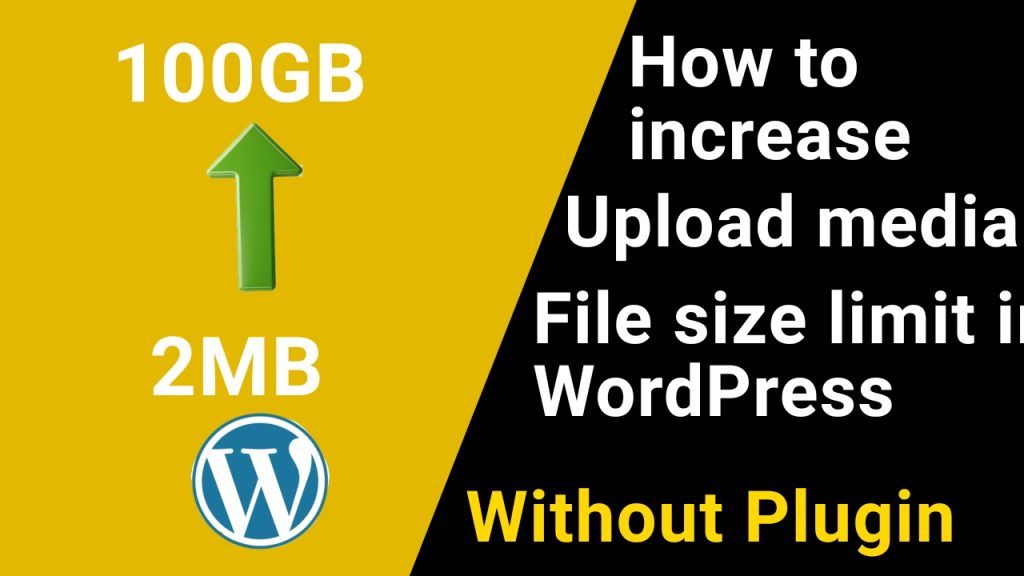
✅ METHOD 1: php.ini (Sabse Best Method)
Agar aapke hosting me File Manager hai (cPanel / DirectAdmin):
Steps:
- File Manager → public_html
php.inifile dhundo
(agar na ho to new file bana do)
Code paste karo:
upload_max_filesize = 256M
post_max_size = 256M
memory_limit = 512M
max_execution_time = 300
max_input_time = 300
✅ METHOD 2: .htaccess file se (Apache hosting)
Agar php.ini ka access nahi hai:
Steps:
public_html/.htaccessopen karo- Bottom me add karo:
php_value upload_max_filesize 256M
php_value post_max_size 256M
php_value memory_limit 512M
php_value max_execution_time 300
php_value max_input_time 300
METHOD 3: wp-config.php se (Supportive method)
Ye method alone enough nahi hota, par help karta hai.
Steps:
wp-config.phpopen karo/* That's all, stop editing! */ke upar add karo:
define('WP_MEMORY_LIMIT', '512M');
define('WP_MAX_MEMORY_LIMIT', '512M');
✅ METHOD 4: functions.php (Last option)
Theme → functions.php me add karo:
@ini_set('upload_max_filesize', '256M');
@ini_set('post_max_size', '256M');
@ini_set('memory_limit', '512M');
@ini_set('max_execution_time', '300');


Hi, this is a comment.
To get started with moderating, editing, and deleting comments, please visit the Comments screen in the dashboard.
Commenter avatars come from Gravatar.